01
What is a seed image?
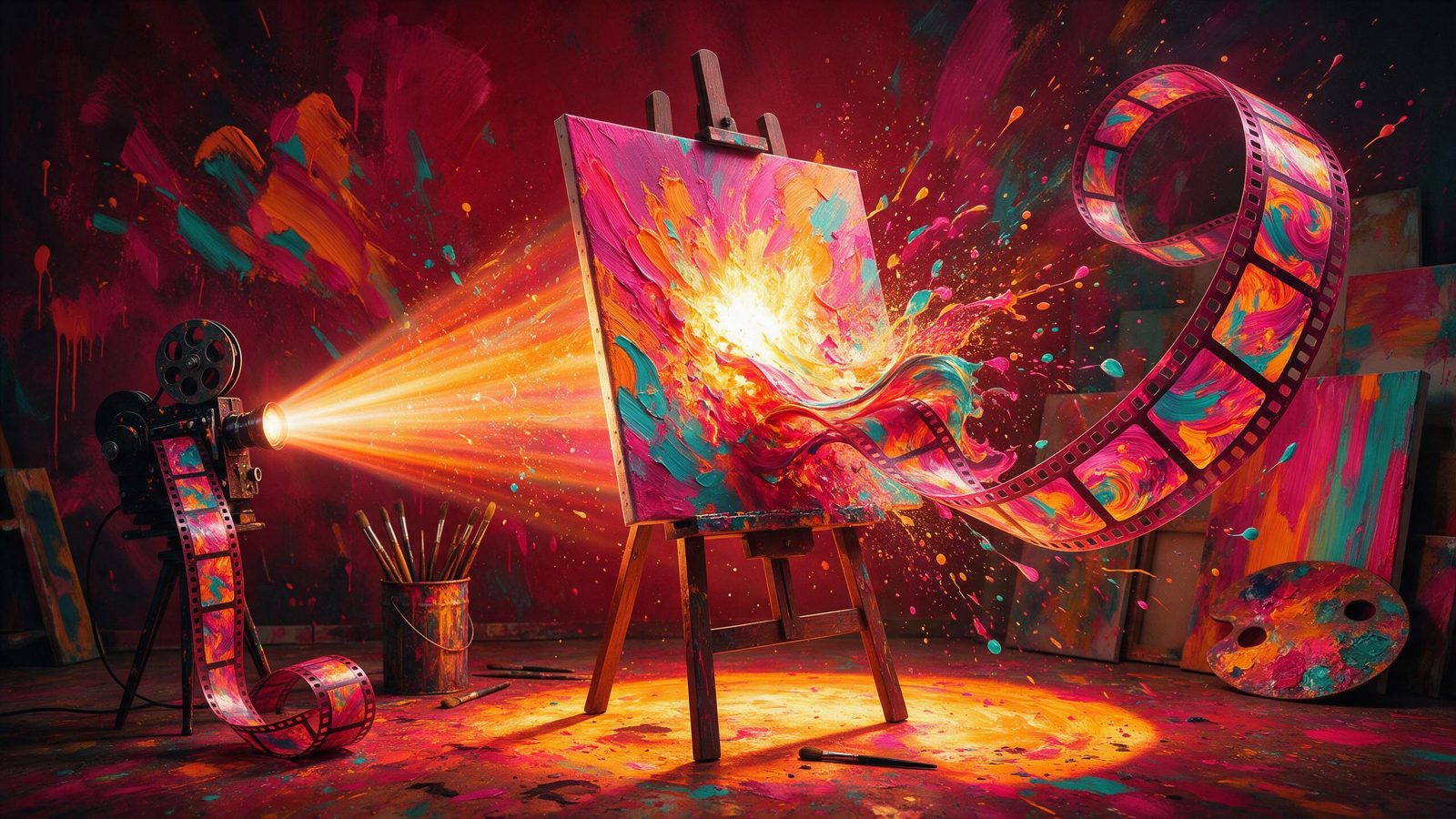
Image-to-video tools (Kling, Luma, Pika, Hailuo and more) take one picture and imagine what happens next. That picture is your seed. A great seed = a great video.
Station 4 · Prep it
Paint a 'seed' — the first frame that a video AI will bring to life.
“A video AI can only animate what it can clearly see. Give it a clean, strong first frame.”
01
Image-to-video tools (Kling, Luma, Pika, Hailuo and more) take one picture and imagine what happens next. That picture is your seed. A great seed = a great video.
02
Choose one hero subject that's easy to see. Crowds, tiny details and messy backgrounds confuse the AI and make faces melt when they move.
03
Give your subject space in the direction they'll move, and some sky or open space for the camera to push into. Avoid cropping hands, feet or heads at the edge.
04
16:9 landscape for YouTube or a big screen, 9:16 portrait for TikTok, Reels and Shorts. Pick the shape before you generate — cropping later loses your composition.
05
Hair, fabric, water, smoke, clouds, fire, leaves, light rays and particles all animate beautifully. Add one or two to your seed so the video has natural motion.
Tap one option in each row and watch your prompt build itself. Each choice teaches you what it does.
Frame shape
Movers
Clarity
Which seed image will make the best video?