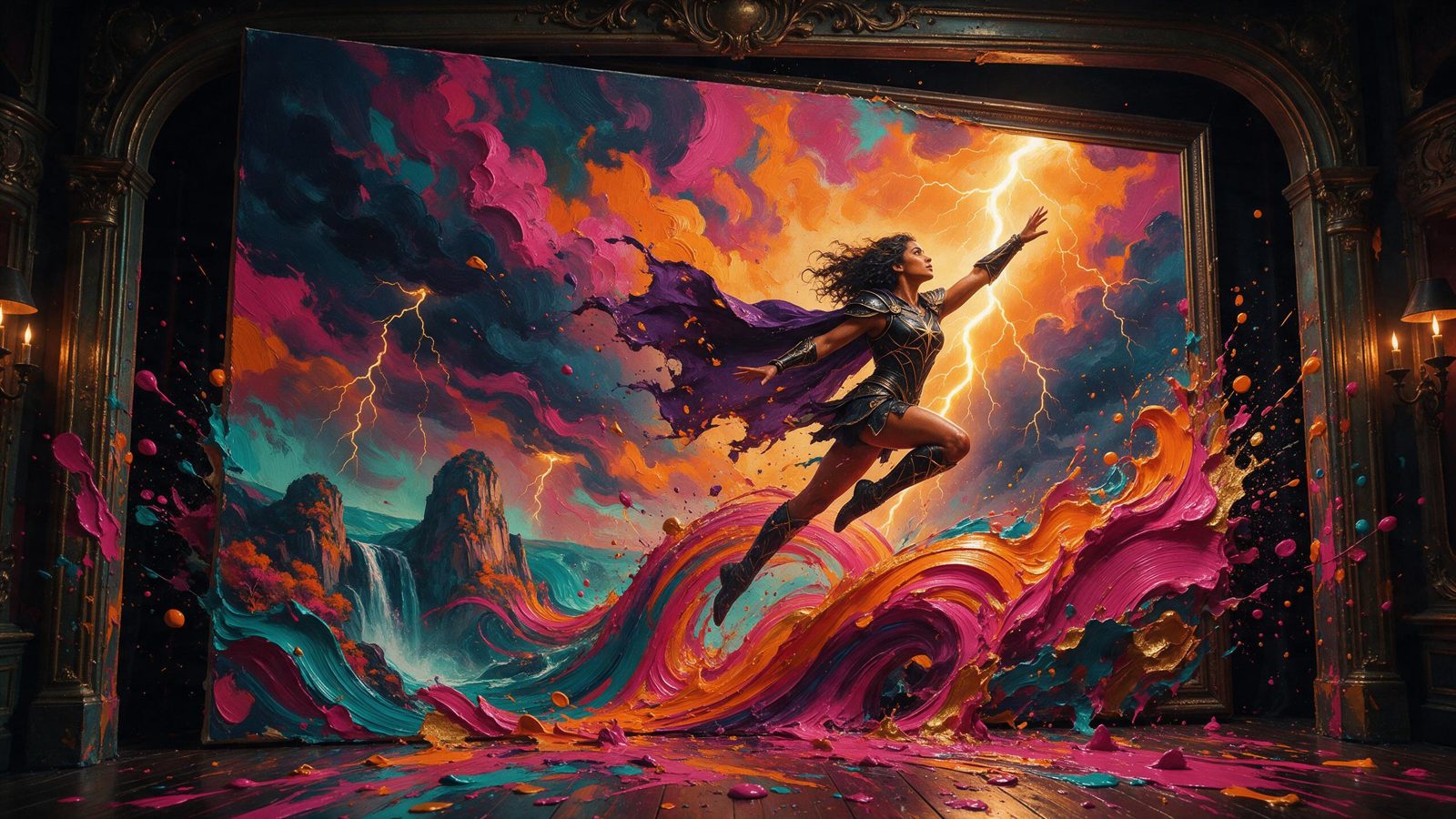
Station 6 · Launch
Take Your Art to Video
Your seed image is the first frame. Your motion prompt is the director's note. Here's where to bring it to life — free.
🪄 How to do it
Download your seed
Save the image you painted in the Capstone or Studio.
Open a free tool
Pick one below and sign up for its free credits (ask a parent if you're under 18).
Choose Image → Video
Look for 'Image to Video', 'Animate' or 'Start frame' and upload your seed.
Paste your motion prompt
Use the motion prompt from Step C — not the image prompt.
Pick 5 seconds first
Short clips are faster and look better. Generate 2–3 versions and choose the best.
Chain your scenes
Use the last frame of one clip as the seed for the next scene change!
🎞️ Free video generators
Free credits change often — if one runs out, try the next!
Kling AI
Daily free credits
Best for: Realistic motion & characters
OpenLuma Dream Machine
Free starter tier
Best for: Dreamy cinematic camera moves
OpenPika
Free monthly credits
Best for: Fun effects & stylized art
OpenHailuo AI (MiniMax)
Free daily credits
Best for: Expressive faces & emotion
OpenPixVerse
Free daily credits
Best for: Anime & painterly styles
OpenVidu
Free credits on sign-up
Best for: Quick image-to-video
OpenMeta AI
Free to use
Best for: Animate an image in seconds
OpenRunway
One-time free credits
Best for: Pro-level camera control
Open🩹 Quick fixes
Faces melting?
Use a closer, clearer face in your seed and ask for 'subtle, gentle motion'.
Nothing moves?
Name the movers: 'hair blowing, clouds rolling, camera pushes in'.
Too chaotic?
Ask for ONE camera move and 'slow, smooth, cinematic'.
Style changed?
Add 'keep the painterly oil-paint style' to the motion prompt.